
Daily Trifles
Log spending in one sentence, jot down your day — and your data stays on your own phone.

A New Way to Record Your Life
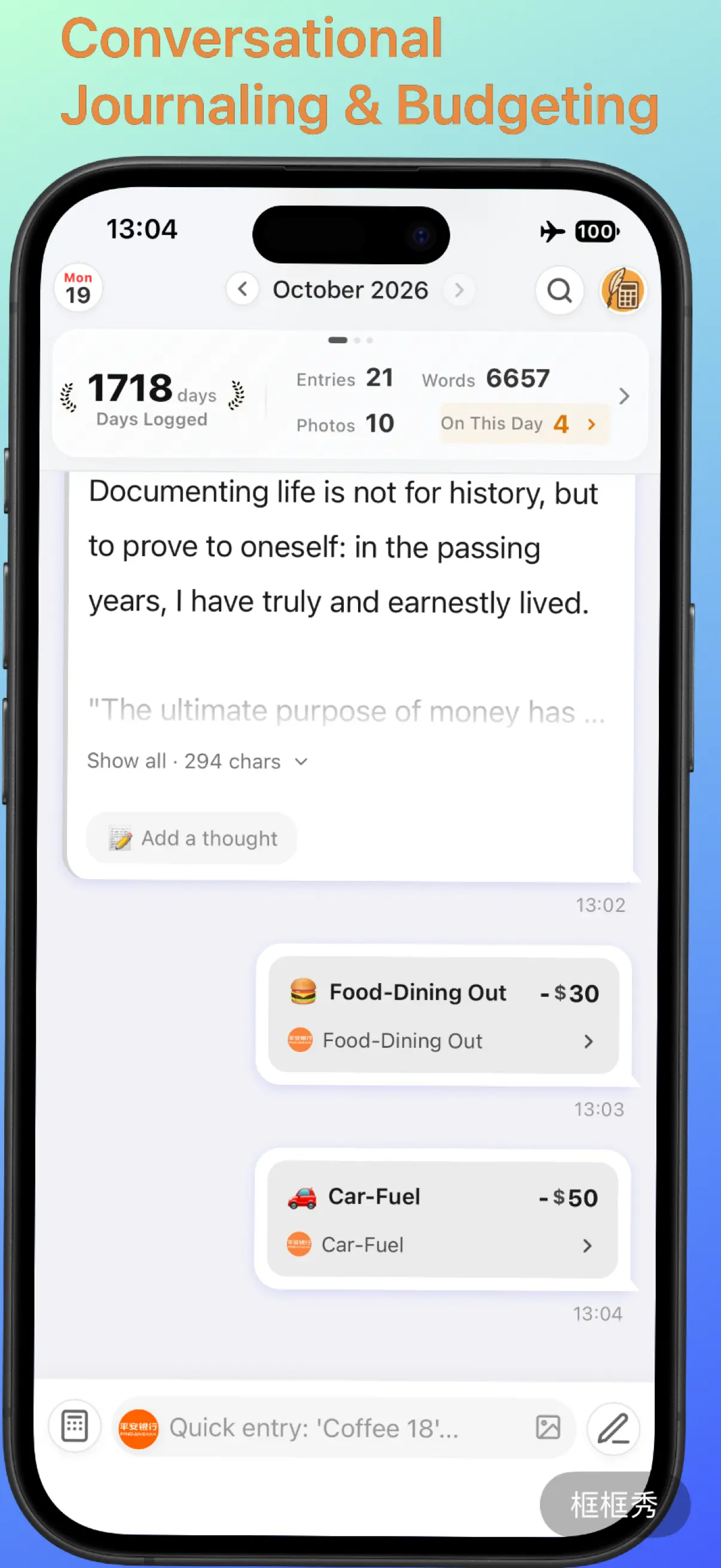
Lightning-Fast Logging
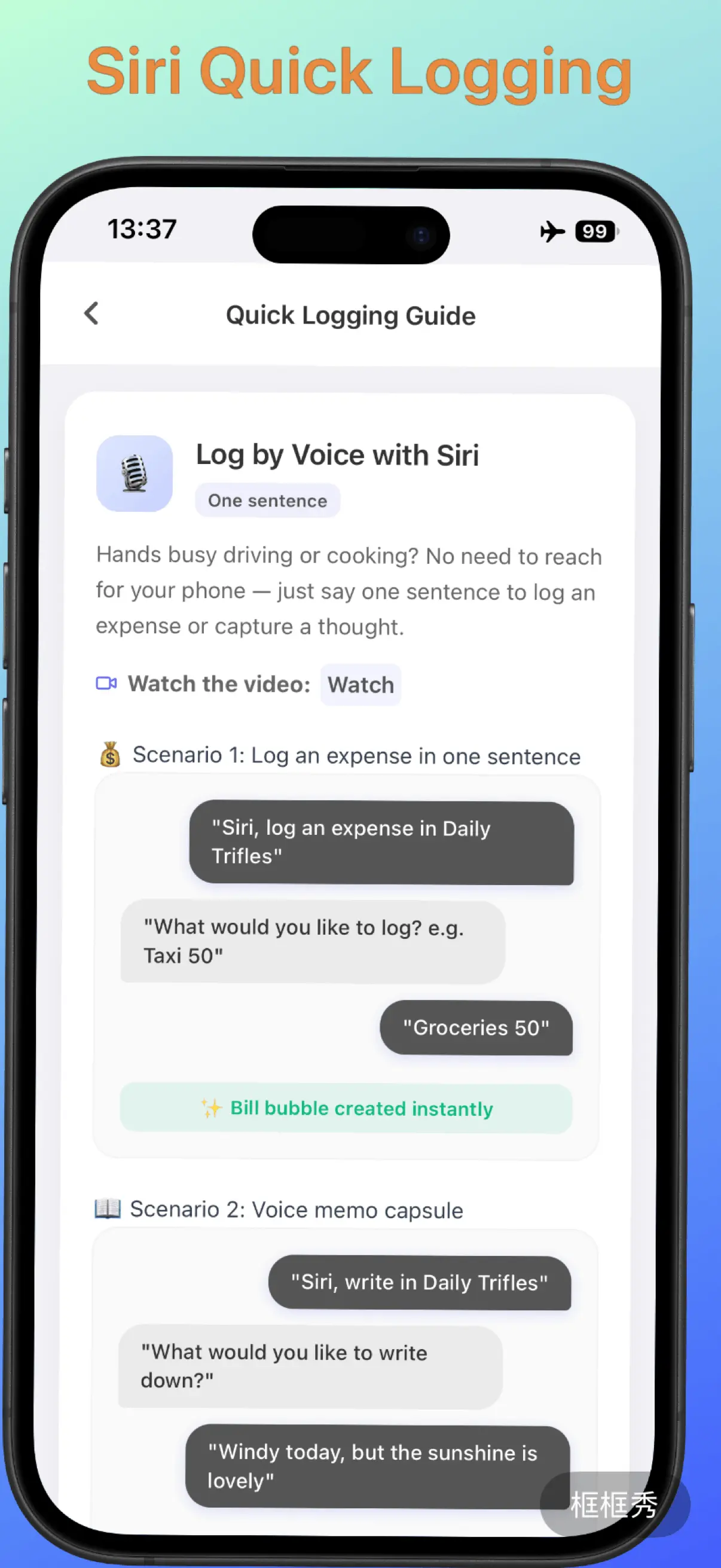
Log expenses hands-free with Siri or in a single sentence. Connect an AI model (just add your own API key) and even very casual, complex sentences are split into separate entries — tracking money feels as natural as chatting with a personal assistant.
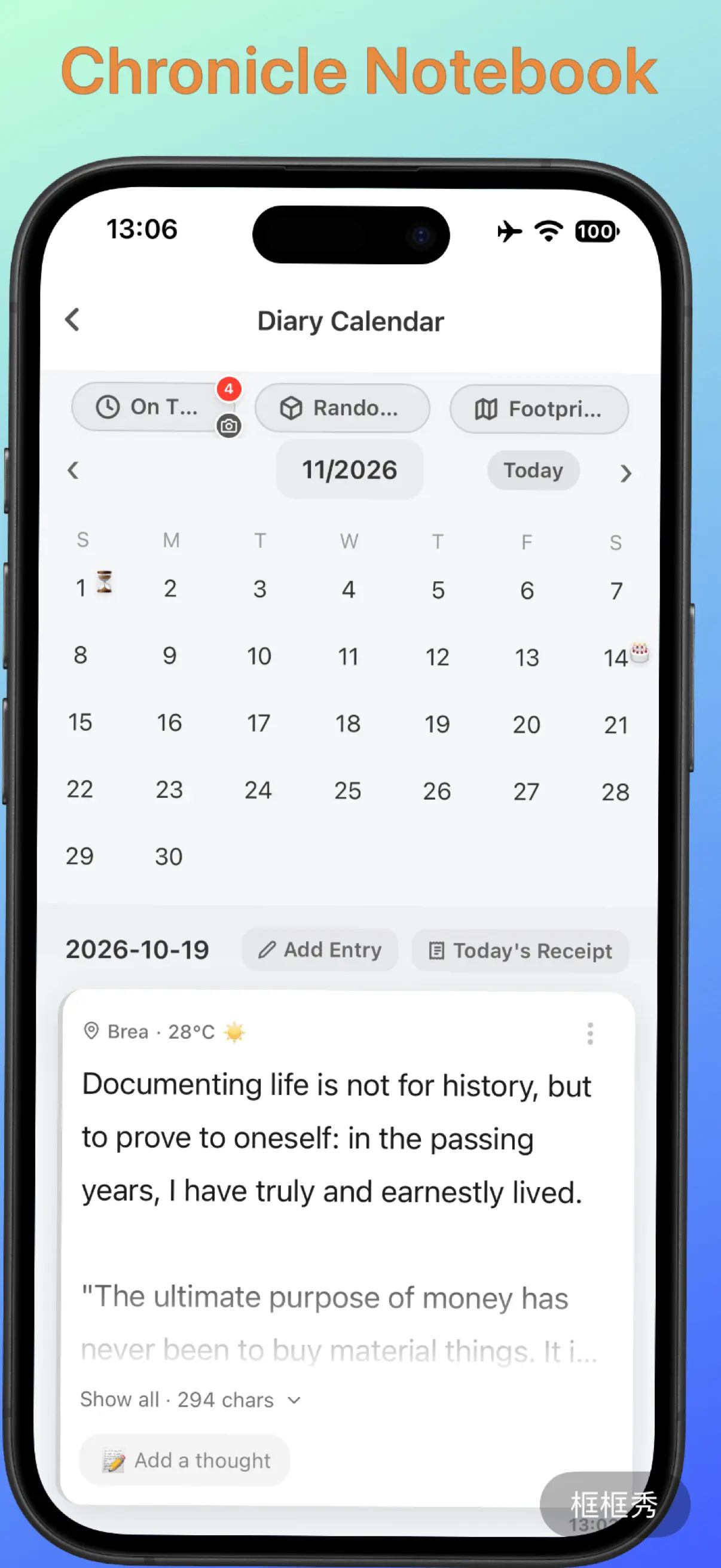
Time-Travel Diary
Write long entries in a distraction-free editor while weather and location are recorded quietly in the background. Relive precious memories with On This Day, Random Walk, Footprint Map and Diary Photos.
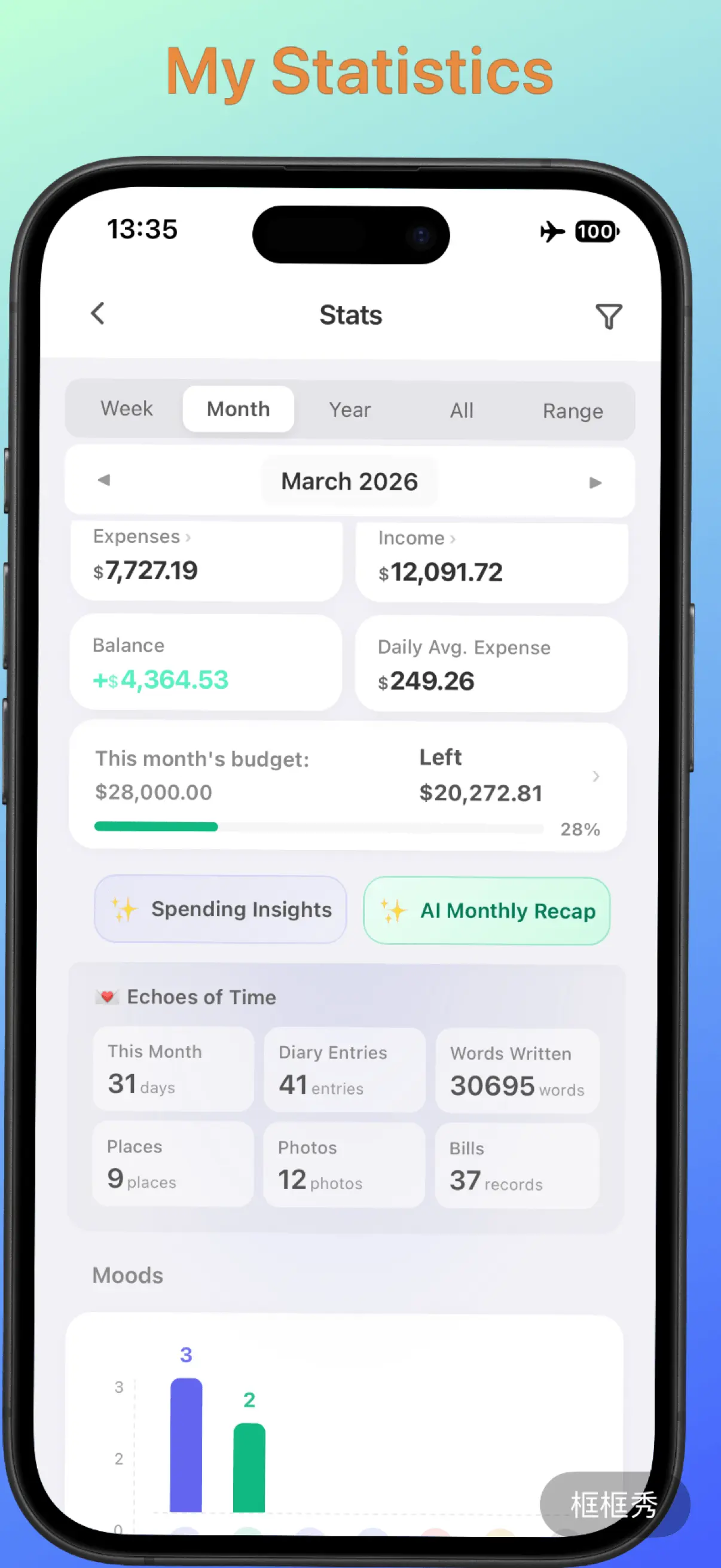
Insight Dashboard
A home dashboard that swipes seamlessly between diary, spending and assets, with AI-powered reviews. Supports automatic multi-currency conversion and real-time net worth tracking.
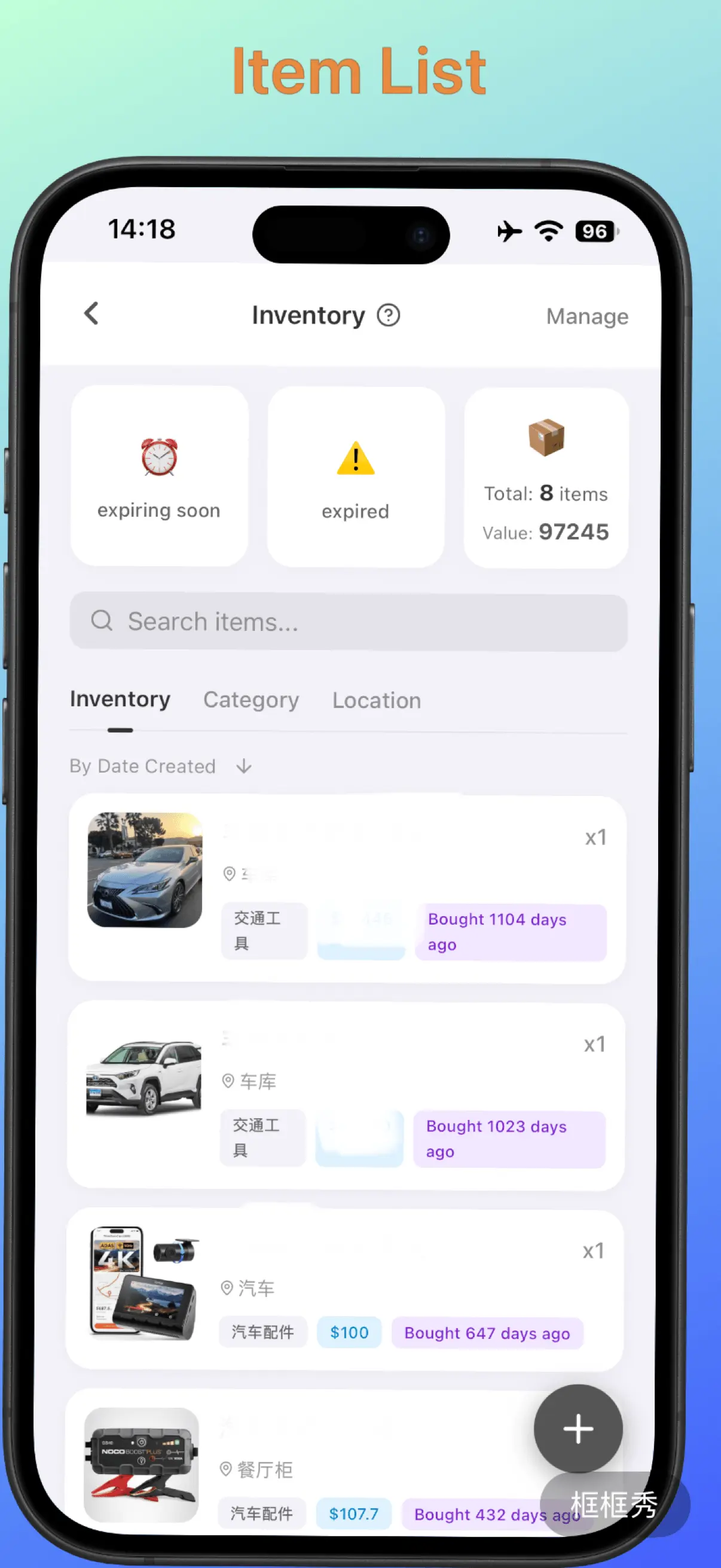
Belongings & Assets Radar
Bring your physical belongings into the digital world. From gadgets and appliances to everyday medicines, organize items by space and get a reminder 7 days before anything expires.
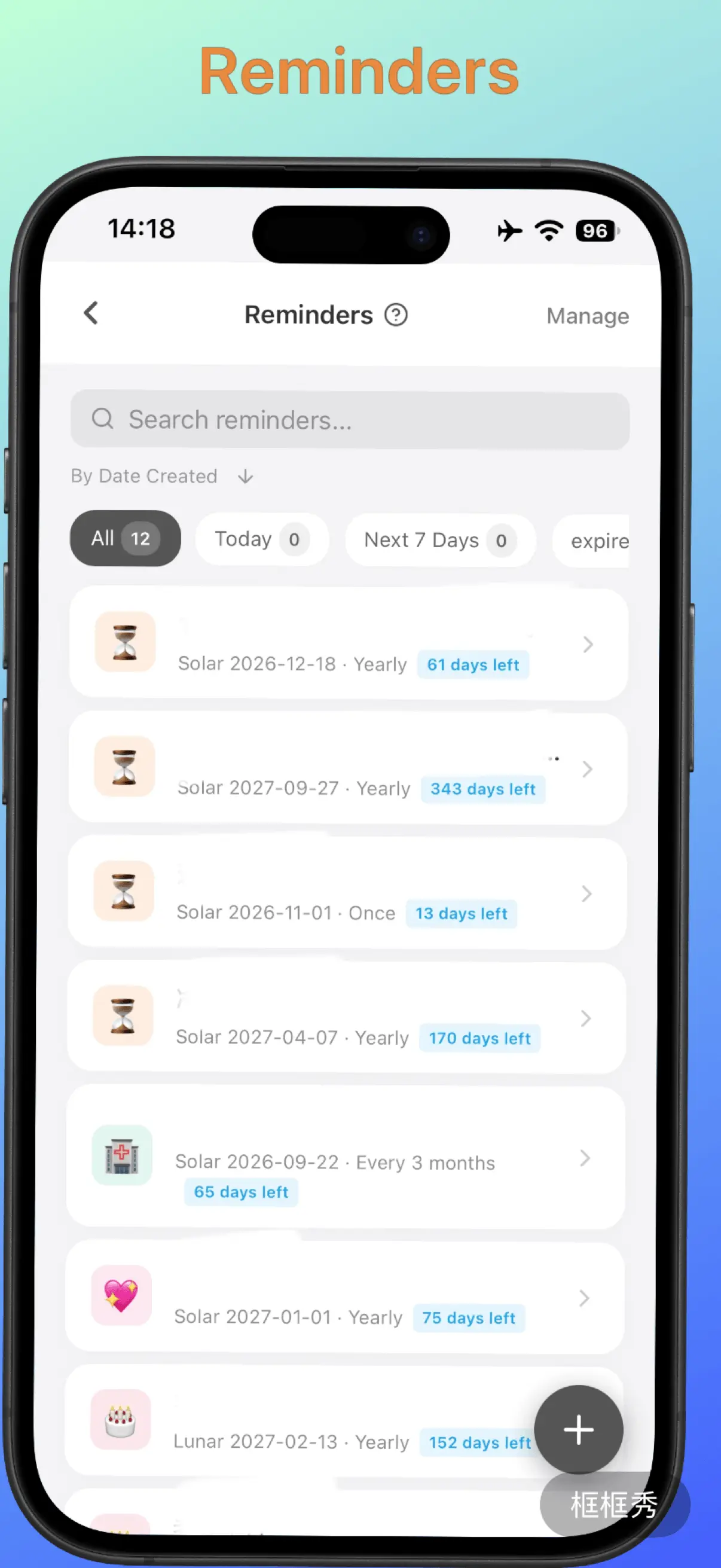
Reminders for Every Occasion
Supports both Gregorian and lunar calendar dates and long-term repeating reminders. Notifications are delivered by the system on time, even when you are offline.
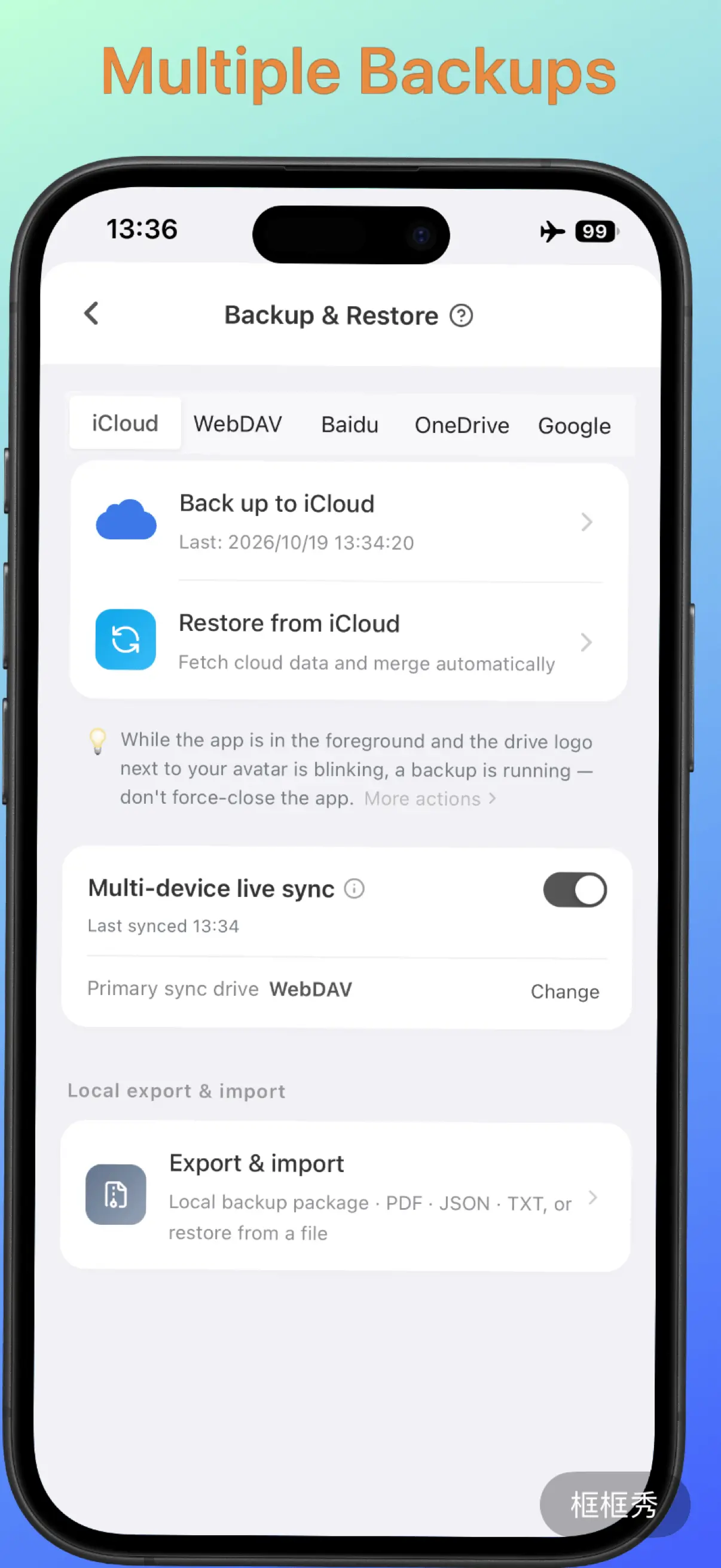
Your Data, Your Control
Offline-first by design: your data stays on your phone and never passes through our servers. Lock the app with Face ID or fingerprint, and back up automatically and incrementally to iCloud, WebDAV, Google Drive and more — no more privacy worries.
More Handy Features
FAQ
Is it really completely free?
Yes. No ads, no subscriptions and no in-app purchases — every feature is available. AI features use an API key you get from an AI provider yourself; any cost (many providers offer a free tier) is between you and the provider. We never charge anything.
Where is my data stored?
Only on your phone — it never passes through our servers. You can back up to your own iCloud, WebDAV, Google Drive, OneDrive or Baidu Netdisk, and the backups live only in your own cloud storage.
How do I switch phones or use several devices?
Back up to your cloud storage in Me → Backup & Restore, then connect the same storage on the new device and restore. Turn on Real-time Sync and your devices sync automatically about once a minute.
Can I log expenses without an AI key?
Yes. One-sentence logging and Siri logging work right away. Add an API key in Me → AI Engine (DeepSeek, Kimi, Qwen, Zhipu, Gemini and more) for more accurate handling of long, complex sentences, plus AI summary letters and annual reports.
Can I share a ledger with my family?
Yes. A shared family ledger supports up to 3 people. Everyone syncs through the same dedicated Jianguoyun (Nutstore) WebDAV account, and each person’s expenses and income appear in the shared ledger.
The Android download is a .zip file — what should I do?
Some browsers save the installer as .zip. Remove the .zip at the end of the file name (so it ends in .apk), then open it to install.
Which devices are supported?
iPhone, iPad and Android phones. The app is available in Simplified Chinese, Traditional Chinese, English and Japanese.